Exploring Pixels
Children explore that images are made of small squares (pixels) by observing, creating, and viewing pictures from different distances.
Children encounter images every day, in books, on screens, and in their surroundings. At first glance, these images appear continuous and realistic. This activity invites children to look more closely and discover that pictures are made up of many small parts.
By exploring pixelated images and creating their own grid-based pictures, children develop an early understanding that media images are constructed. They observe, experiment, and experience how small elements come together to form a whole.
The activity begins by observing images.
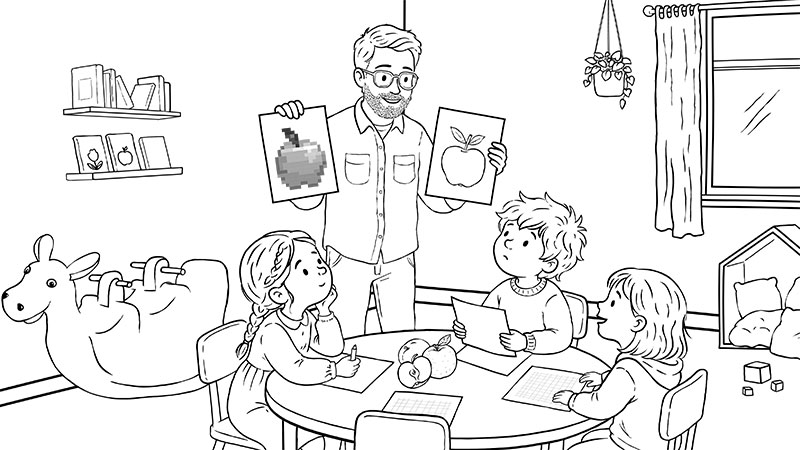
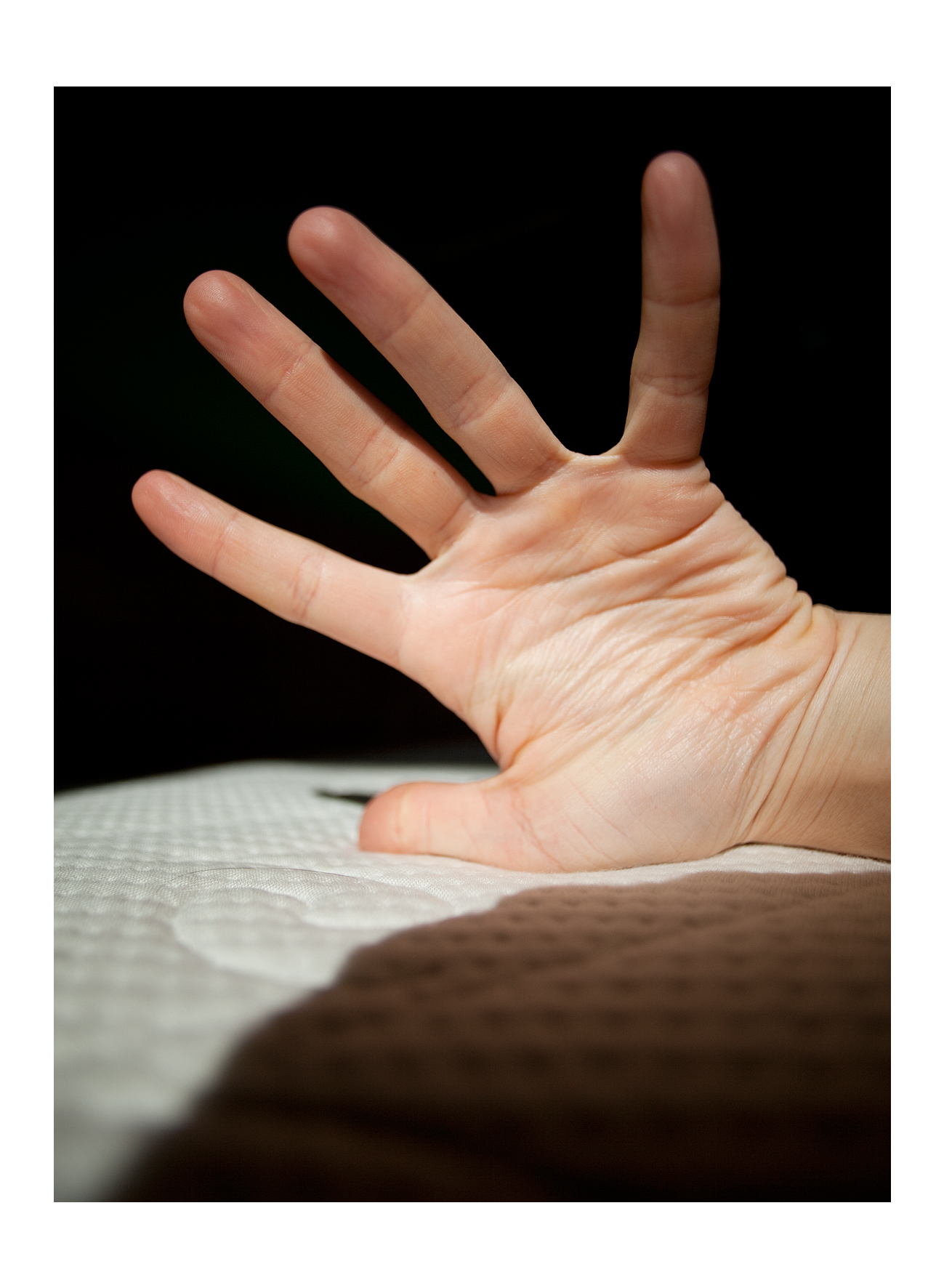
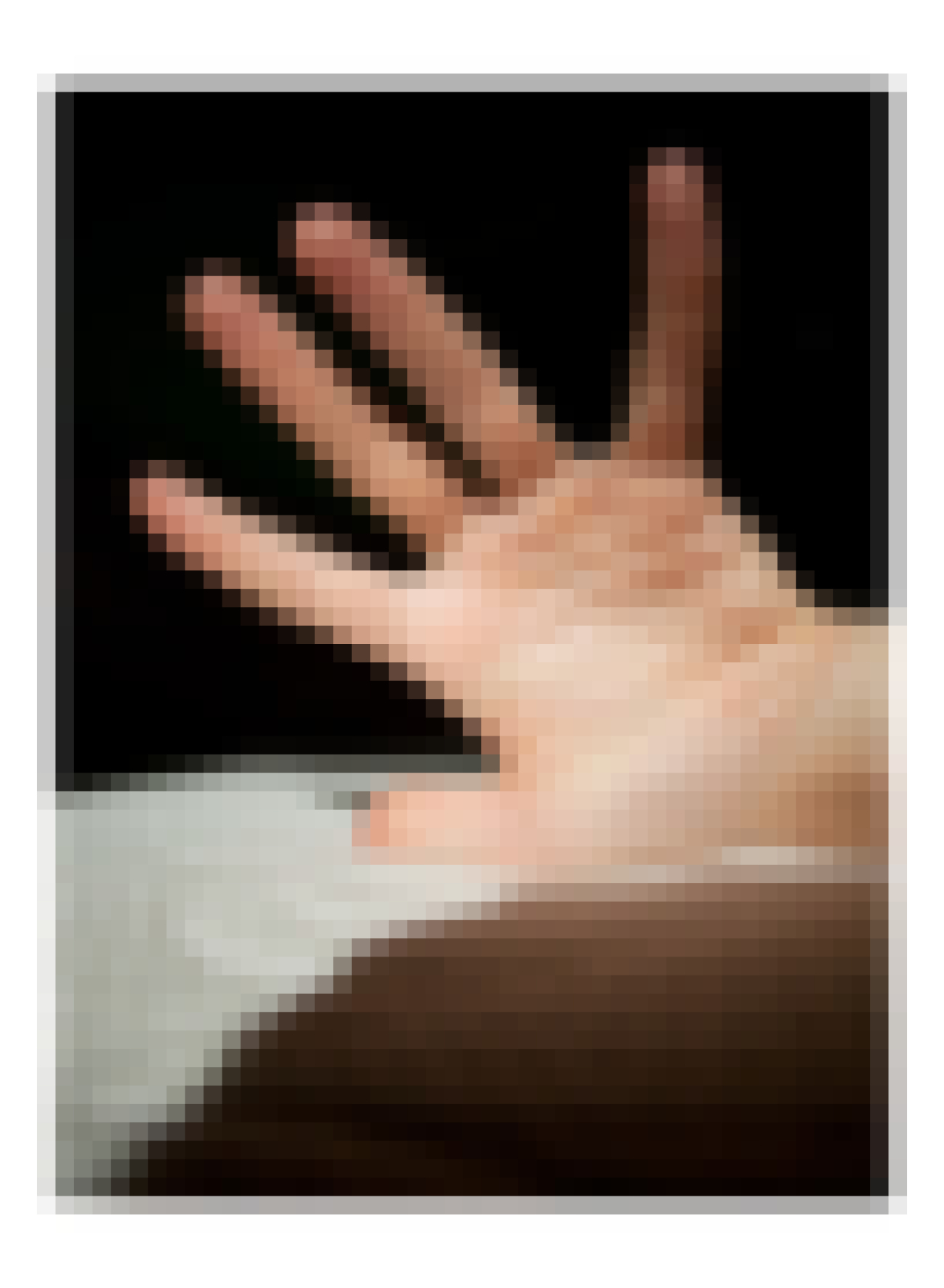
Show the children a picture in its normal form and then a pixelated version of the same image. Invite them to describe what they see. What has changed? Can they still recognise the image?
Encourage the children to look closely at the pixelated version. Help them notice that the image is made up of many small squares.
In the next step, children create their own "pixel picture".
Provide a simple grid on paper. Children can either create their own image by colouring individual squares or follow a prepared grid with symbols to reveal a hidden picture. Alternatively, you can offer pre-cut colored squares and invite children to build their images by placing and arranging them on the grid.
As they work, children begin to understand that each small square contributes to the overall image.
Once the images are finished, invite the children to look at them from different distances. Up close, they see individual squares. From further away, the picture becomes clearer.
Talk together about the experience.
You can also connect the activity to everyday media experiences. Explain that many images on screens are made in a similar way, from many small parts that we usually do not see.
This activity helps children understand that images are constructed and encourages careful observation and curiosity about how media works.
You can turn the activity into a guessing game. Show a strongly pixelated image and ask the children what they think it could be. Then gradually reveal more of the image by showing clearer versions or by "zooming out." With each step, children can refine their guesses and notice new details.
Digital images are composed of many small units, commonly called pixels. These are usually not visible to the eye, but they become noticeable when an image is enlarged or reduced in quality. Helping children recognise that images are constructed supports early media literacy and visual awareness.
In this activity, children explore images by observing, describing, and creating their own grid-based pictures. The combination of looking closely, working with simple structures, and changing perspective (near and far) allows them to experience how individual elements form a whole.
Fill 1 = colour, 0 = leave empty
| 0 | 1 | 0 | 0 | 0 | 0 | 1 | 0 |
| 1 | 1 | 1 | 0 | 0 | 1 | 1 | 1 |
| 1 | 1 | 1 | 1 | 1 | 1 | 1 | 1 |
| 0 | 1 | 1 | 1 | 1 | 1 | 1 | 0 |
| 0 | 0 | 1 | 1 | 1 | 1 | 0 | 0 |
| 0 | 0 | 0 | 1 | 1 | 0 | 0 | 0 |
| 0 | 0 | 0 | 0 | 0 | 0 | 0 | 0 |
| 0 | 0 | 0 | 0 | 0 | 0 | 0 | 0 |
Fill 1 = colour, 0 = leave empty
| 0 | 1 | 1 | 1 | 1 | 1 | 1 | 0 |
| 1 | 0 | 0 | 0 | 0 | 0 | 0 | 1 |
| 1 | 0 | 1 | 0 | 0 | 1 | 0 | 1 |
| 1 | 0 | 0 | 0 | 0 | 0 | 0 | 1 |
| 1 | 0 | 1 | 0 | 0 | 1 | 0 | 1 |
| 1 | 0 | 0 | 1 | 1 | 0 | 0 | 1 |
| 0 | 1 | 0 | 0 | 0 | 0 | 1 | 0 |
| 0 | 0 | 1 | 1 | 1 | 1 | 0 | 0 |

Finanțat de Uniunea Europeană. Punctele de vedere și opiniile exprimate aparțin, însă, exclusiv autorului (autorilor) și nu reflectă neapărat punctele de vedere și opiniile Uniunii Europene sau ale Agenției Executive Europene pentru Educație și Cultură (EACEA). Nici Uniunea Europeană și nici EACEA nu pot fi considerate răspunzătoare pentru acestea.

Toate conținuturile, în special textele, imaginile și grafica, sunt protejate de drepturi de autor. Cu excepția cazului în care se specifică altfel, drepturile de autor sunt deținute de media.eduskills.plus și sunt licențiate în conformitate cu Creative Commons Attribution - Attribution-ShareAlike 4.0 International. Acestea pot fi utilizate în condițiile licenței.
© 2020-2026 media.eduskills.plus | Impressum