Storytelling – Storyboard / Shooting Script
Minecraft – My Story in Pictures
 Funded by the European Union. Views and opinions expressed are however those of the author(s) only and do not necessarily reflect those of the European Union or the European Education and Culture Executive Agency (EACEA). Neither the European Union nor EACEA can be held responsible for them. |
 All contents, in particular texts, pictures and graphics, are protected by copyright. Unless expressly stated otherwise, copyright is held by media.eduskills.plus and is licensed under Creative Commons Attribution - Non-commercial - Distribution under the same conditions 4.0 International license. They may be subject to the terms of the license. |
2026 media.eduskills.plus
Learning outcomes
Competencies
|
|
|
Target group 5 years and up
|
|
Required materials
|
Description of the activity (step by step)
Preparation:
Prepare the space by setting out construction toys, LEGO bricks, the animation studio set, storyboard templates, and drawing materials.
Implementation:
Talk with the children about their favourite video games and animated films. Encourage them to retell and describe their experiences in their own words. Children can choose any event or story to share.
Ask guiding questions:
- Who would like to tell us a favourite story, video game, or event?
- What would you like to tell us?
- What does your character do in the story?
- What happens next?
- And then what happens?
- How does the story end?
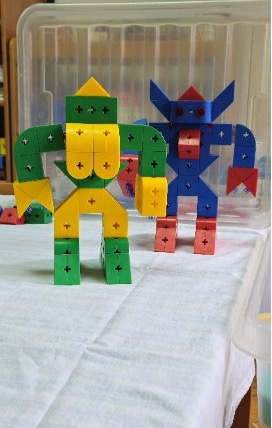
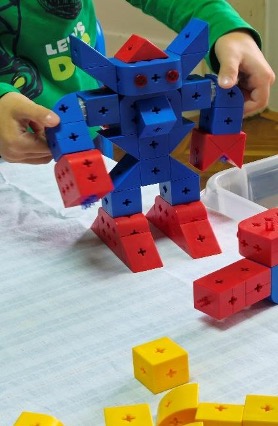
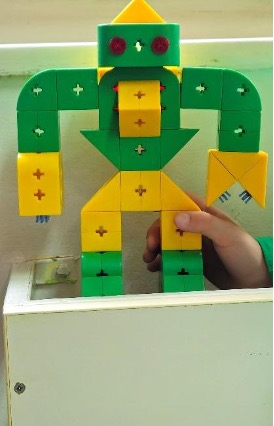
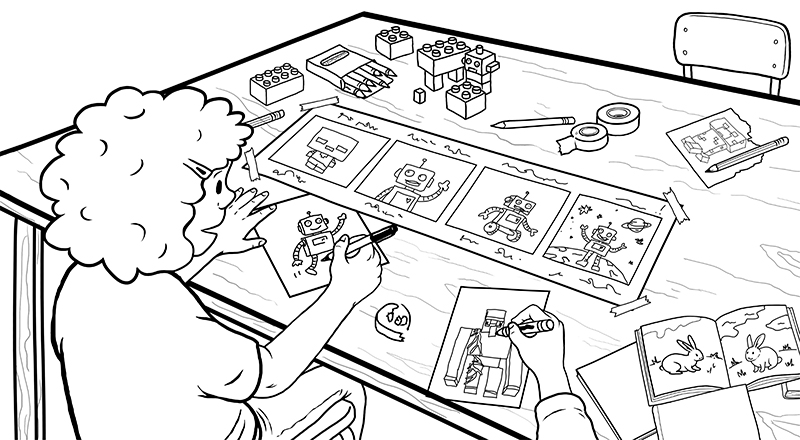
In the construction area, invite the children to create characters from their stories using construction toys, LEGO bricks, or other building materials.
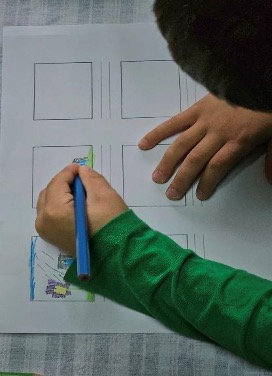
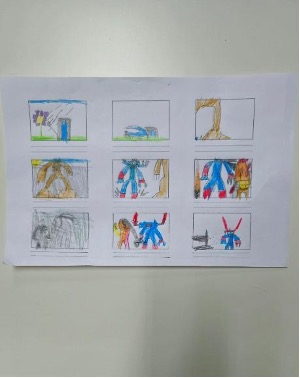
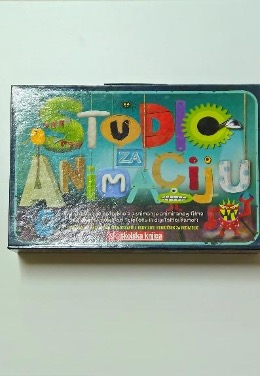
Present the animation studio set and show examples of completed storyboard templates. Encourage the children to create their own storyboard. Children can write numbers on or below their images to show the order of events in the story.
Variations and additional ideas
Finished storyboard templates and created characters can be used to create animated films or GIFs using stop-motion animation techniques.
Background information and didactical perspective
A storyboard (shooting script) is a form of visual storytelling and can be used to create animations. The task focuses on structuring a story by developing its key moments (beginning, middle, and end). A storyboard helps children organise and visualise their ideas and supports easier verbal expression. The finished storyboard resembles a comic strip, but with fewer details. This activity connects cognitive, communicative, and visual expression and introduces children to the basics of film and media literacy.
Experience from kindergartens
We talk about children's favourite video games, animated films, or events.
F. G.: "My favourite video game is Minecraft. I like it because you can make whatever you want. You take some blocks, and if you have lives, zombies, creepers, spiders, and skeletons can attack you. If you have lives, you can press a mode and defend yourself."
F. G.: "I also like The Smurfs 2 because it's funny when the wizard crashes into the window a lot."
B. T.: "I have YouTube Kids, and there I watch videos with really funny characters, Milo and Chip."
L. P.: "I don't like Roblox, but I saw other robots that I liked more. Once I chose Spider-Man, but it was boring because he only walked on a cloud."
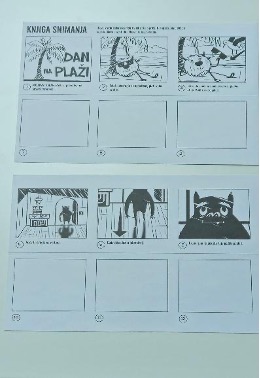
Worksheet 1
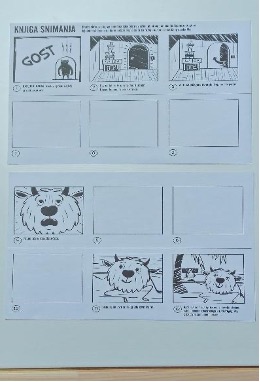
Worksheet 2
Worksheet 3
Photos of the activity