Real or fake?
Photo-editing challenge
 Funded by the European Union. Views and opinions expressed are however those of the author(s) only and do not necessarily reflect those of the European Union or the European Education and Culture Executive Agency (EACEA). Neither the European Union nor EACEA can be held responsible for them. |
 All contents, in particular texts, pictures and graphics, are protected by copyright. Unless expressly stated otherwise, copyright is held by media.eduskills.plus and is licensed under Creative Commons Attribution - Non-commercial - Distribution under the same conditions 4.0 International license. They may be subject to the terms of the license. |
2026 media.eduskills.plus
Learning outcomes
Competencies
|
|
|
Target group 6 years and up
|
|
Required materials
|
|
Materials
|
Description of the activity (step by step)
Preparation:
Present some manipulated photos to children and motivate them to observe and discuss the photos critically. Ask questions, such as: Can a photograph lie? Can you spot which photograph is manipulated? How? Is it easy to detect a manipulated photograph? Why would people manipulate photos in the first place?
Implementation:
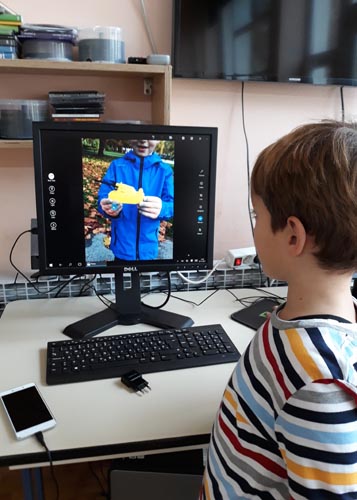
Let the children photograph freely whatever they like for some time. Then, split the children into two groups and present the photo-editing challenge. You can also skip this step and use photos the children have taken in a previous activity.
If the children have not used editing tools yet, explain what these tools offer and how to use them.
Help the children upload the chosen photos to the editing tool and let them edit the photos. They can alter them any way they like; they can add filters, change contrast, brightness, and hue. They can add or crop away elements, draw on them, etc.
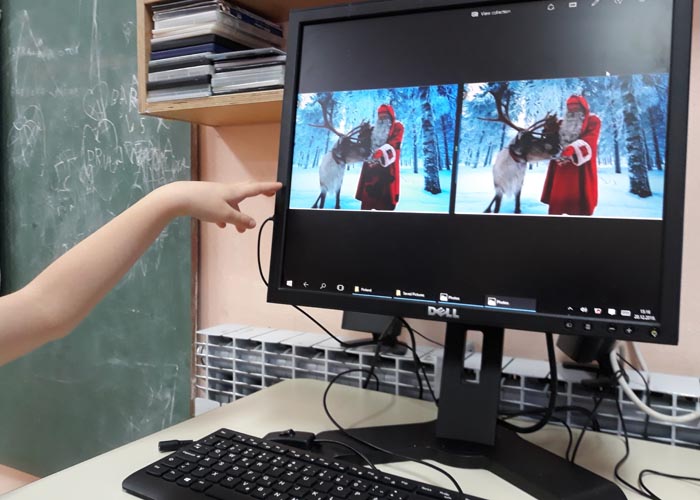
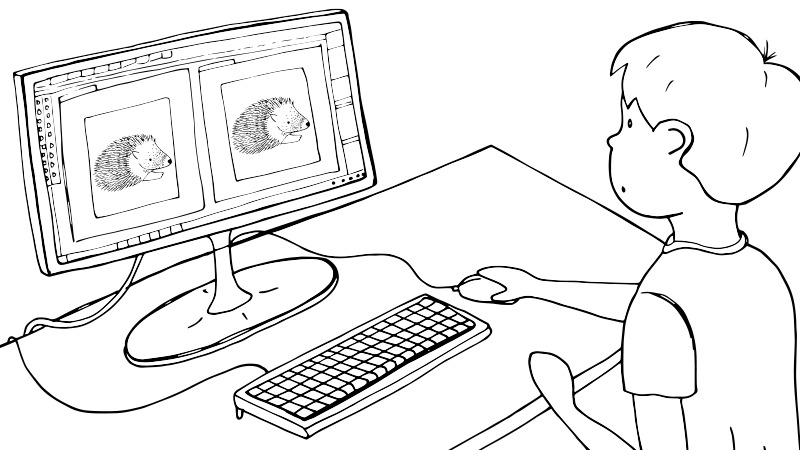
When they have finished editing the photos, save both the original and edited version of the photographs in a special folder to be viewed together on the computer or print them out.
Reflection:
Each group presents both versions of their photos to the other group. The audience guesses which version is the original and which one was altered. Encourage them to explain their choice. Can they spot the differences between the photos? The creators of the edited version can reveal all the changes and describe how they made them.
Lead a group discussion about the editing-challenge and observe the topic together critically. Guide the conversation with questions, such as: What do they think now, can photos lie? Is manipulated photography well-intentioned? Why or why not? What are manipulated photos used for? Etc.
Variations and additional ideas
You can choose a photograph for editing. It can be a photo the children took or one from the photo library. Children can edit the photo individually or in small groups. Compare the edited photos. You can print them out and exhibit them; this way the difference between the edited versions is more visible.
Complement the activity with https://media.eduskills.plus/activities/thinking_where.
Background information and didactical perspective
Manipulated photos are all around us. It is often difficult to spot them because the editors have ever more sophisticated tools at their disposal. In our digital and visual age, it is important that children are aware of this fact so that that they encounter photographs (especially on the internet, in advertisements) with critical minds. Activities for editing photos are a great tool to foster critical thinking skills in children and help them develop their media literacy.
Photos of the activity